Settings
Open the settings from the menu bar icon, Settings. Changes apply right away.
General
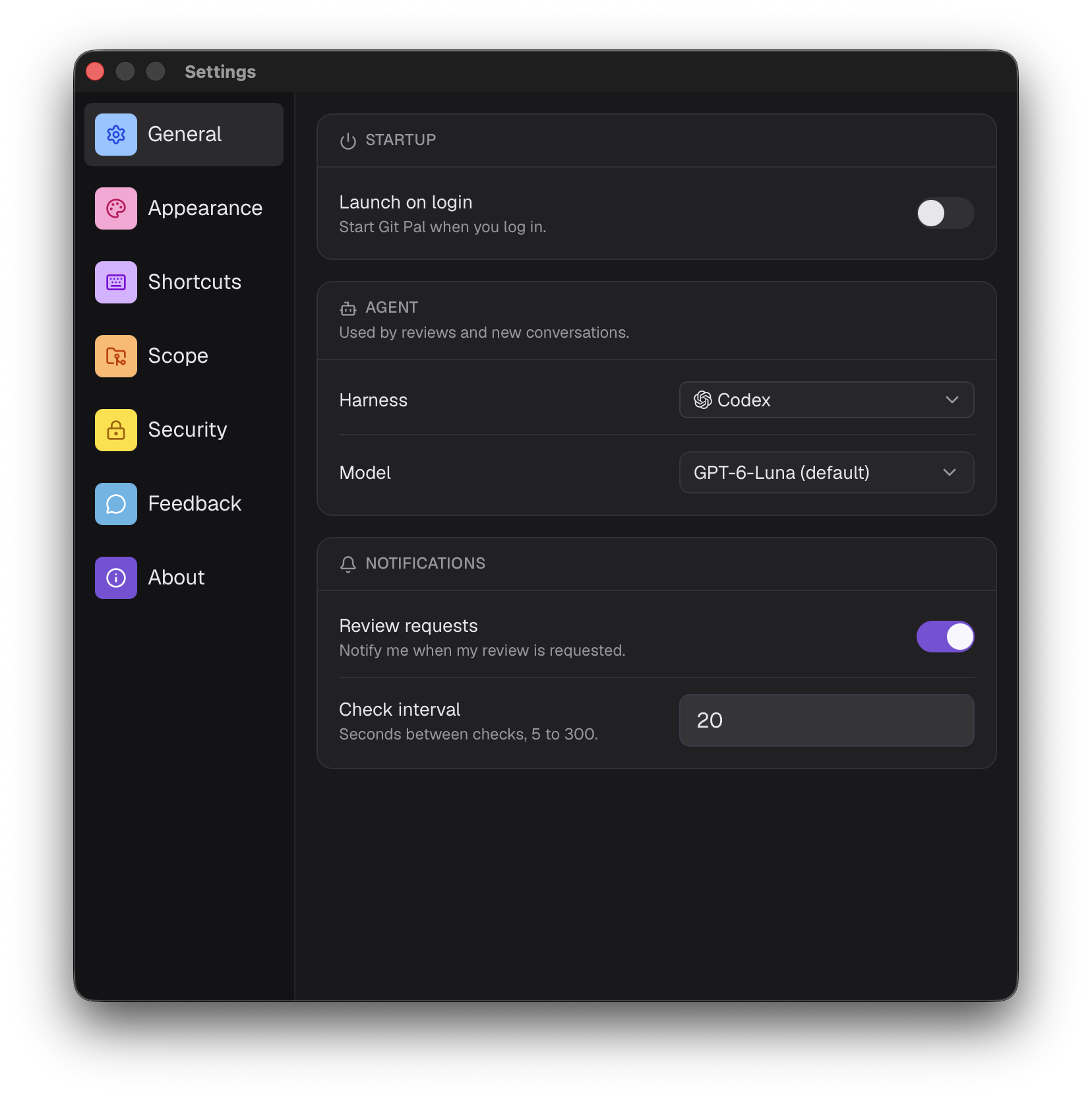
Startup
Launch on login starts Git Pal when you log in.
Agent
Used by reviews and new chats.
- Harness: Claude Code, Codex, Cursor, Antigravity or OpenCode. See installation.
- Model: the models your harness offers, marked (default) for the harness's own default. Saved per harness.
Notifications
- Review requests: notify me when my review is requested.
- Check interval: seconds between checks, from 5 to 300. 20 by default.
Appearance
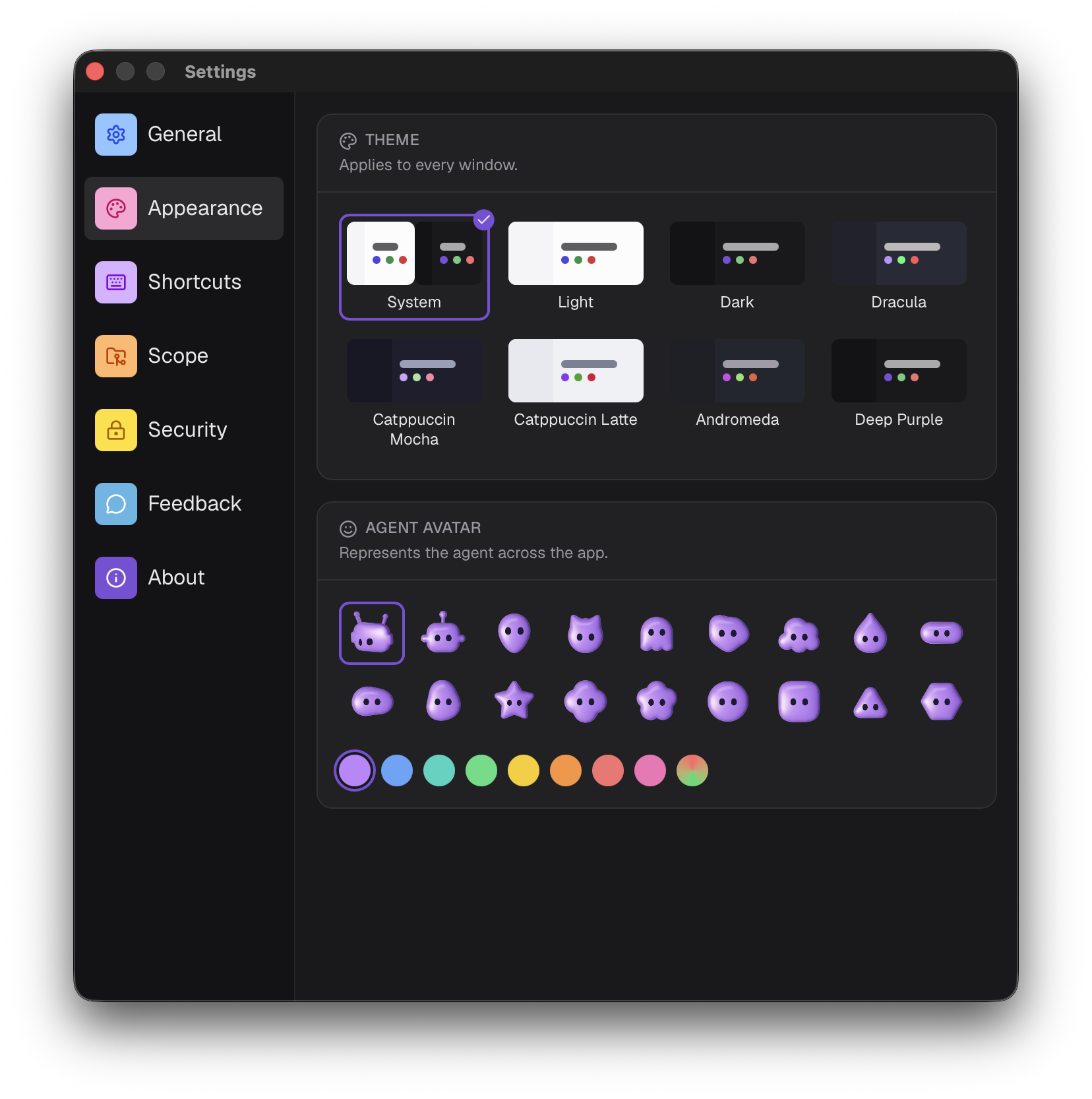
- Theme: System, Light, Dark, Dracula, Catppuccin Mocha, Catppuccin Latte, Andromeda or Deep Purple. Applies to every window.
- Agent avatar: the shape and color representing the agent across the app.
Shortcuts
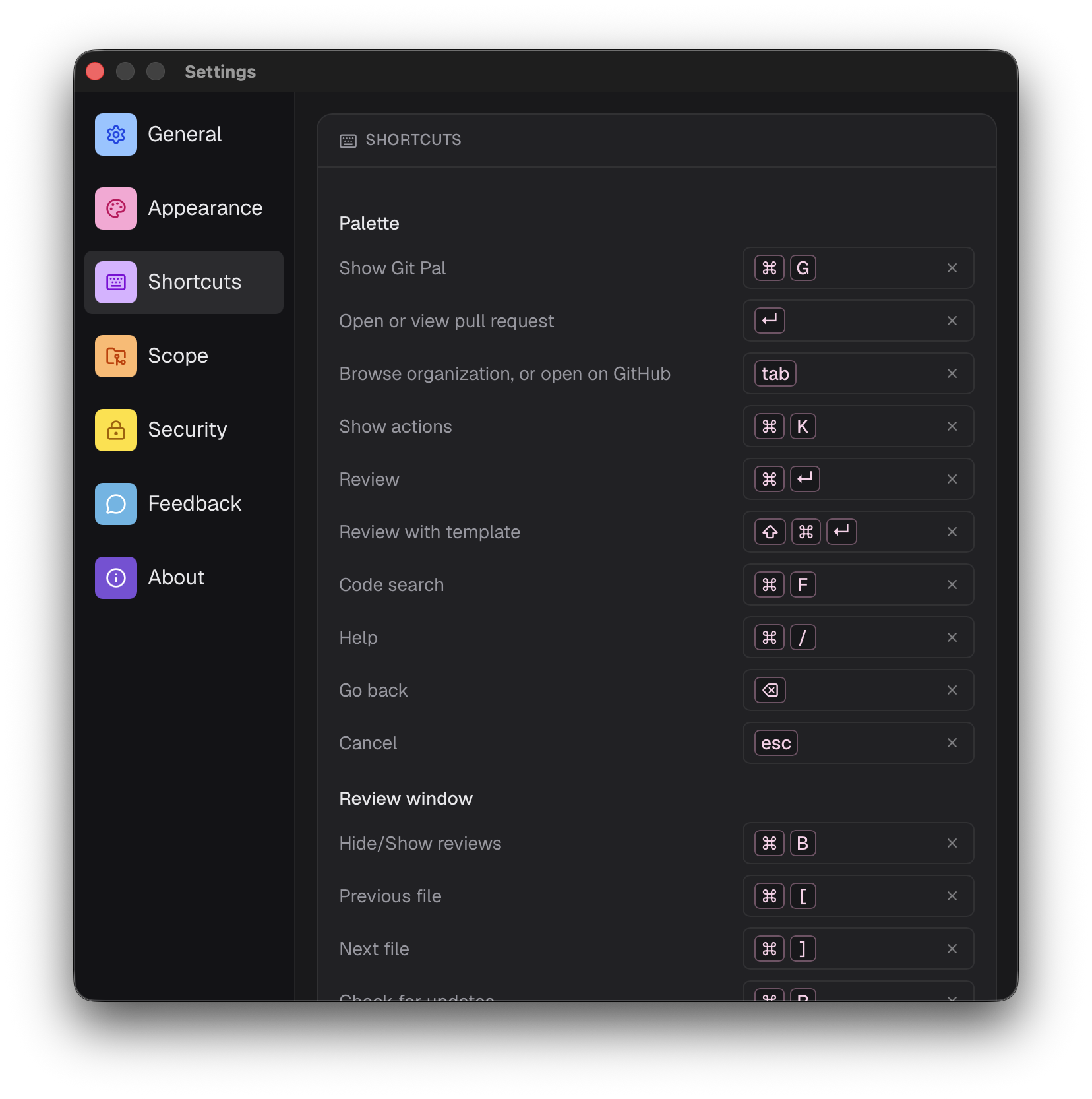
Click a shortcut and press the new keys. The × button restores the default.
- Palette: starts with Show Git Pal, the global shortcut, then the palette shortcuts.
- Review window: the review shortcuts. They need a modifier key.
A shortcut can't be used twice in the same list.
Scope
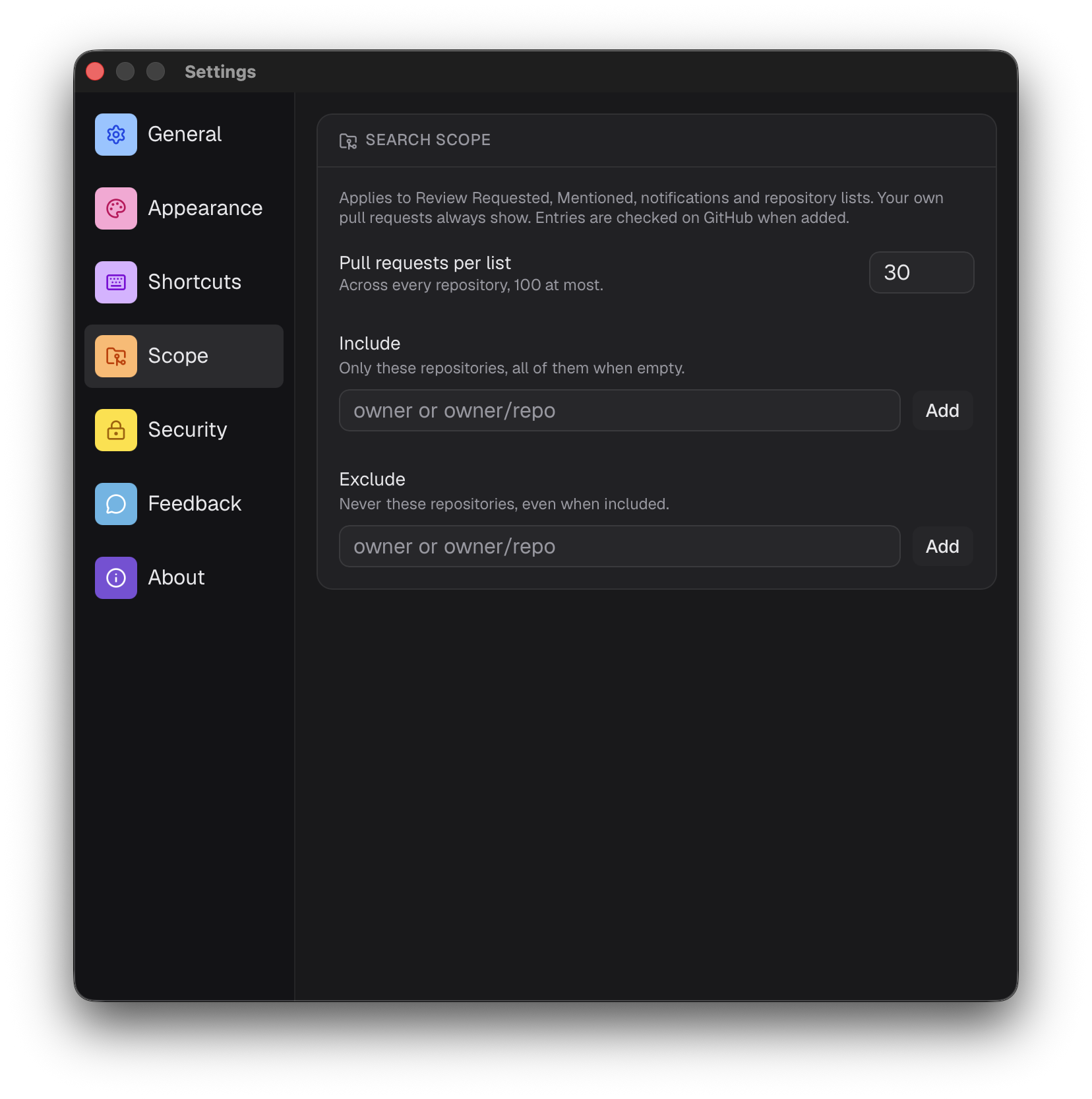
Narrows Review Requested, Mentioned, notifications and repository lists. Your own pull requests always show.
- Pull requests per list: up to 100, 30 by default.
- Include: only these repositories, all of them when empty.
- Exclude: never these repositories, even when included.
Add an owner (acme) or a repository (acme/api). Entries are checked on GitHub when added.
GitHub limits how long a search can be. With many entries, Git Pal filters the results itself and a warning tells you some pull requests may be missing.
Security
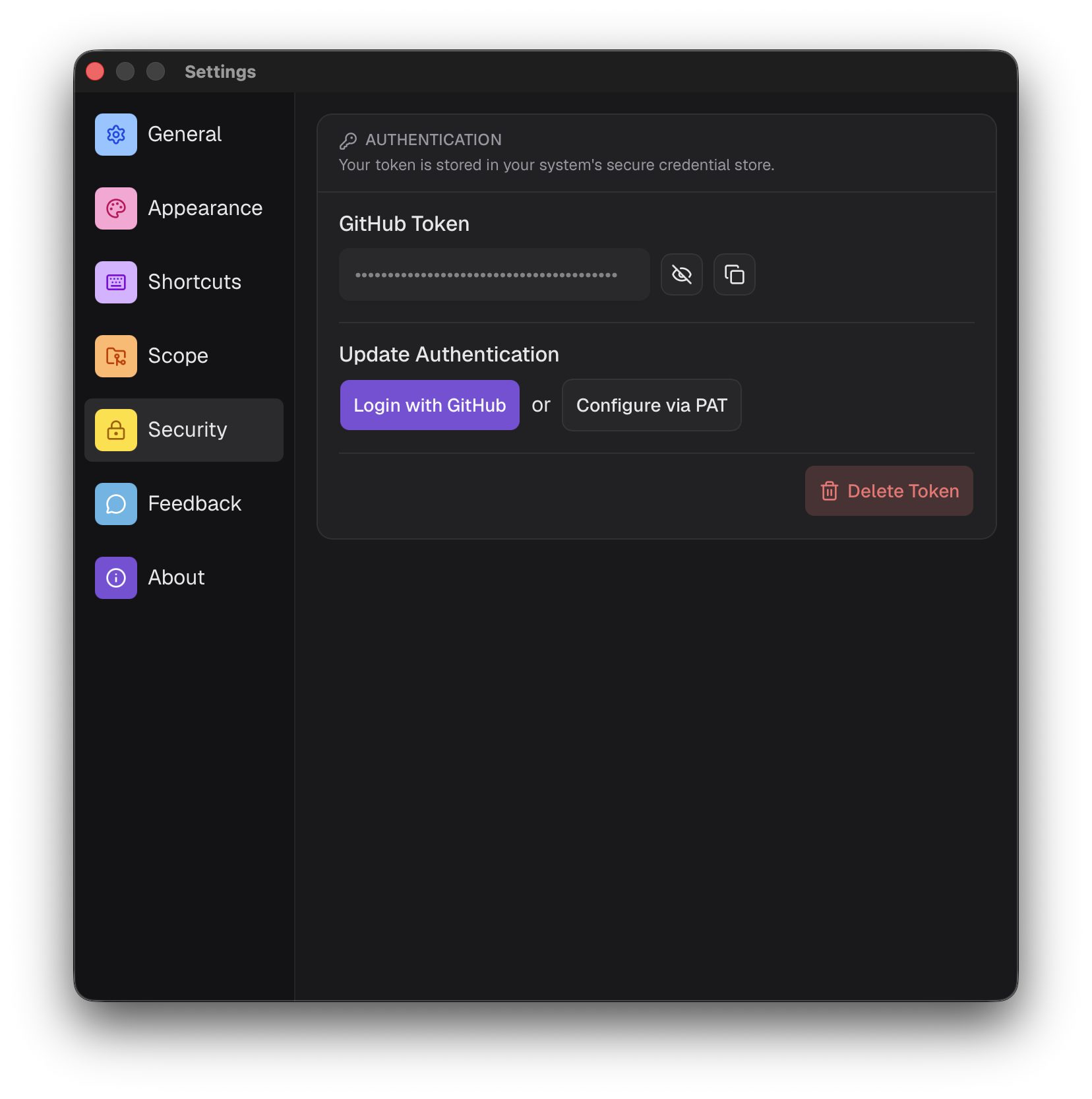
Your token is stored in your system's secure credential store.
- GitHub Token: show or copy it, with its expiry date when it has one.
- Update Authentication: sign in with GitHub again, or use a personal access token.
- Delete Token: removes it, you'll need to sign in again.
Feedback
Send an idea, a bug report or anything else. Your email is required.
About
The version you're running.